Packmage CAD Module Features
Box Template Library
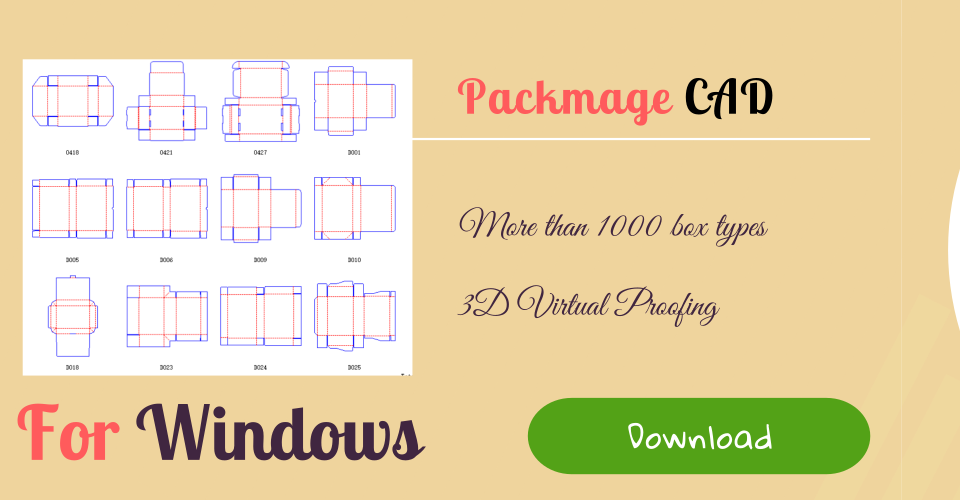
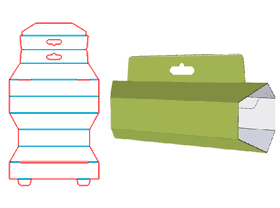
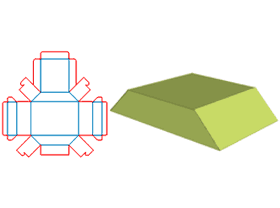
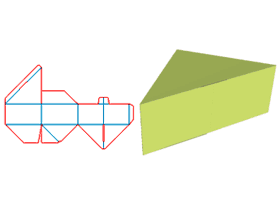
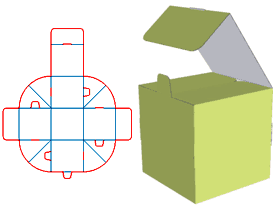
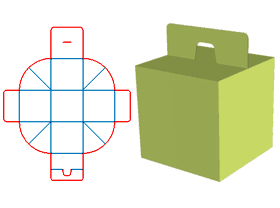
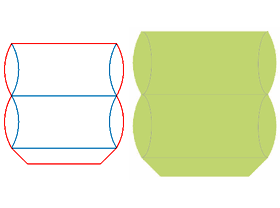
Packmage CAD software box template library composed by default box templates and user-defined box templates. The default box templates can be used for parametric design, the user-defined box templates come from other CAD software or being draw by Packmage CAD Drawing module and 3D modeling defined in that module, those box templates can not being used for parametric design but they can be used in 3D and Step and Repeat modules.
Box Template Parametric Design
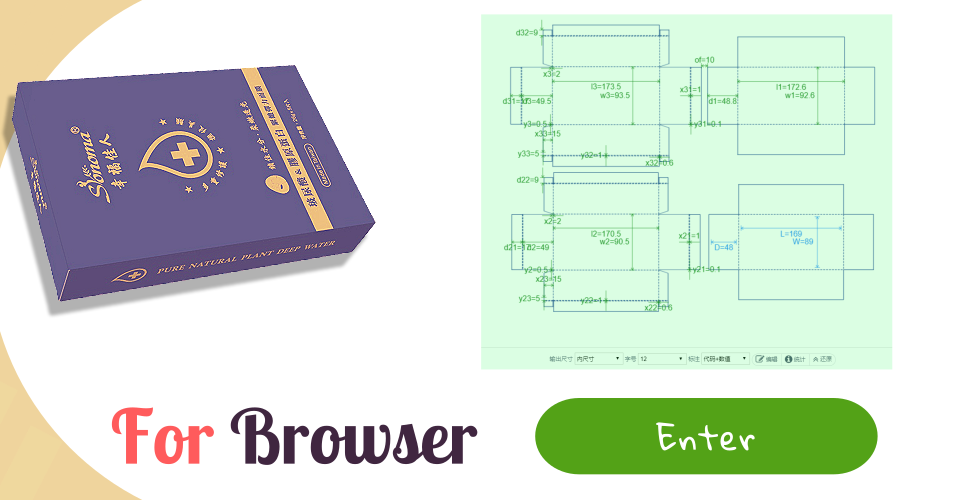
Packmage CAD software intend to make the design of non-structural innovative box templates more simple, fast and standardized. All the box templates in its library can be used in the Parametric design module, user only need to input length, width, depth and other parameters related to box templates to get the box structural design done in seconds. The box template structural design draft can be exported as PDF、DXF format which can be imported into Photoshop、Illustrator、CorelDRAW、AutoCAD and other softwares.
3D box modeling
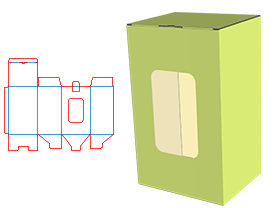
The box template designer can import the graphic design draft into Packmage CAD at any time, after the graphic design properly matched with structural design, the 3D box color sample can be displayed immediately.
Step and Repeat
Step and Repeat module matches the single die graphics with box template structural design then step and repeat the die graphics, after that Packmage CAD rendering the graphic design into single die graphic to output the die cut template and printing template file. This module can improve accuracy、 work efficiency and ensure die cut template file consist with printing template file. The module offers smart、array and manual step and repeat methods.